Practice management for UK therapists
SyncDiary keeps your diary, your clients, your notes and your practice finances in one place — and in step with the calendar you already use.
No card needed to start.
SyncDiary as it really looks. Light or dark in one tap.
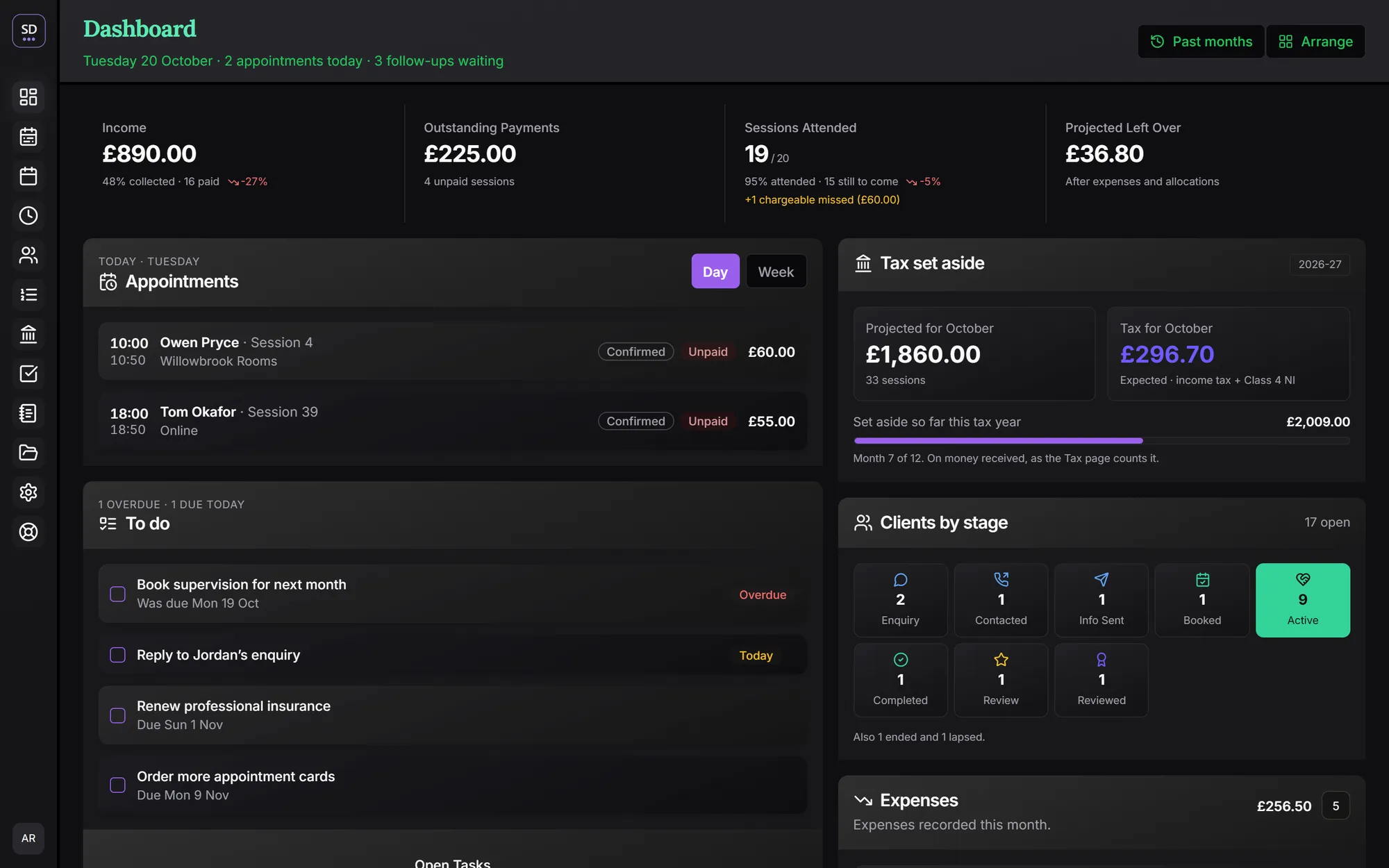
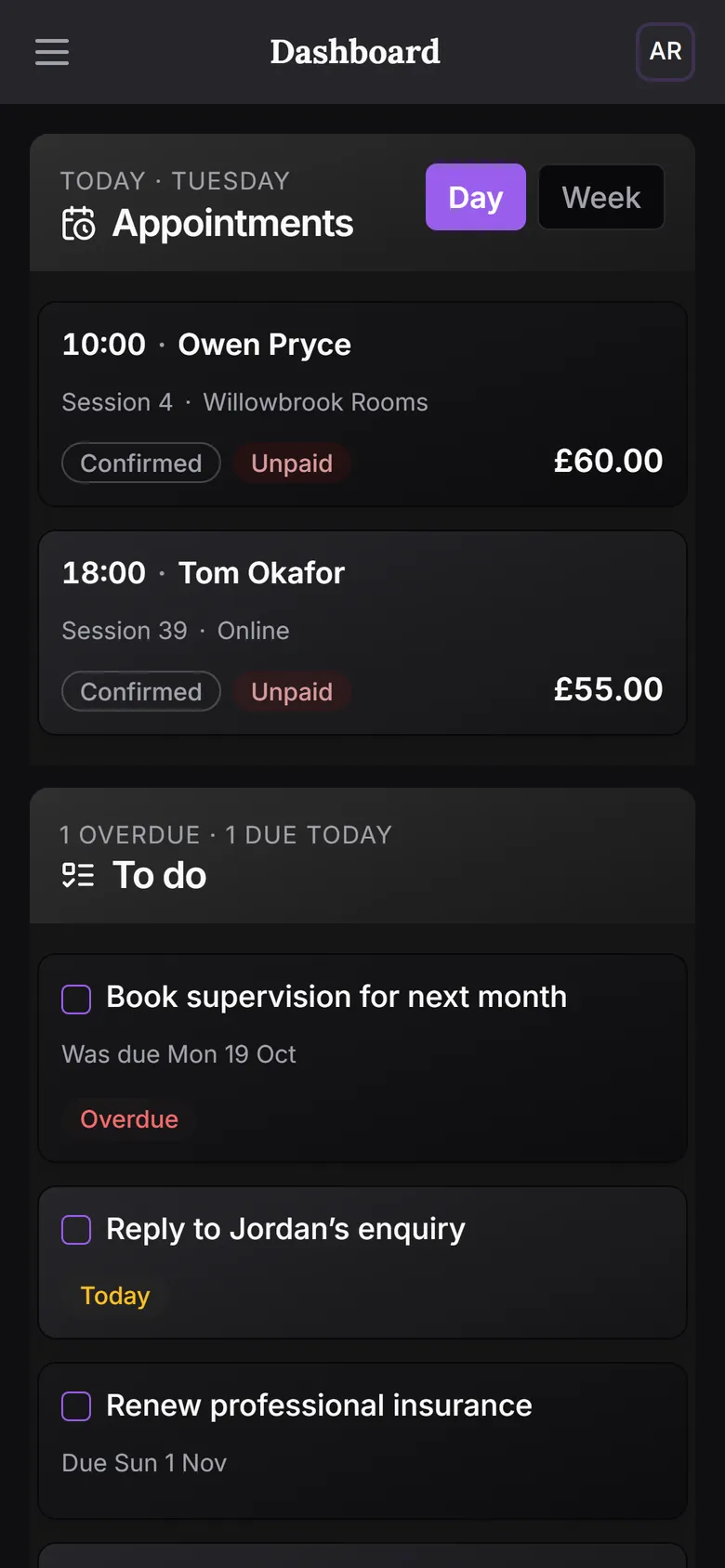
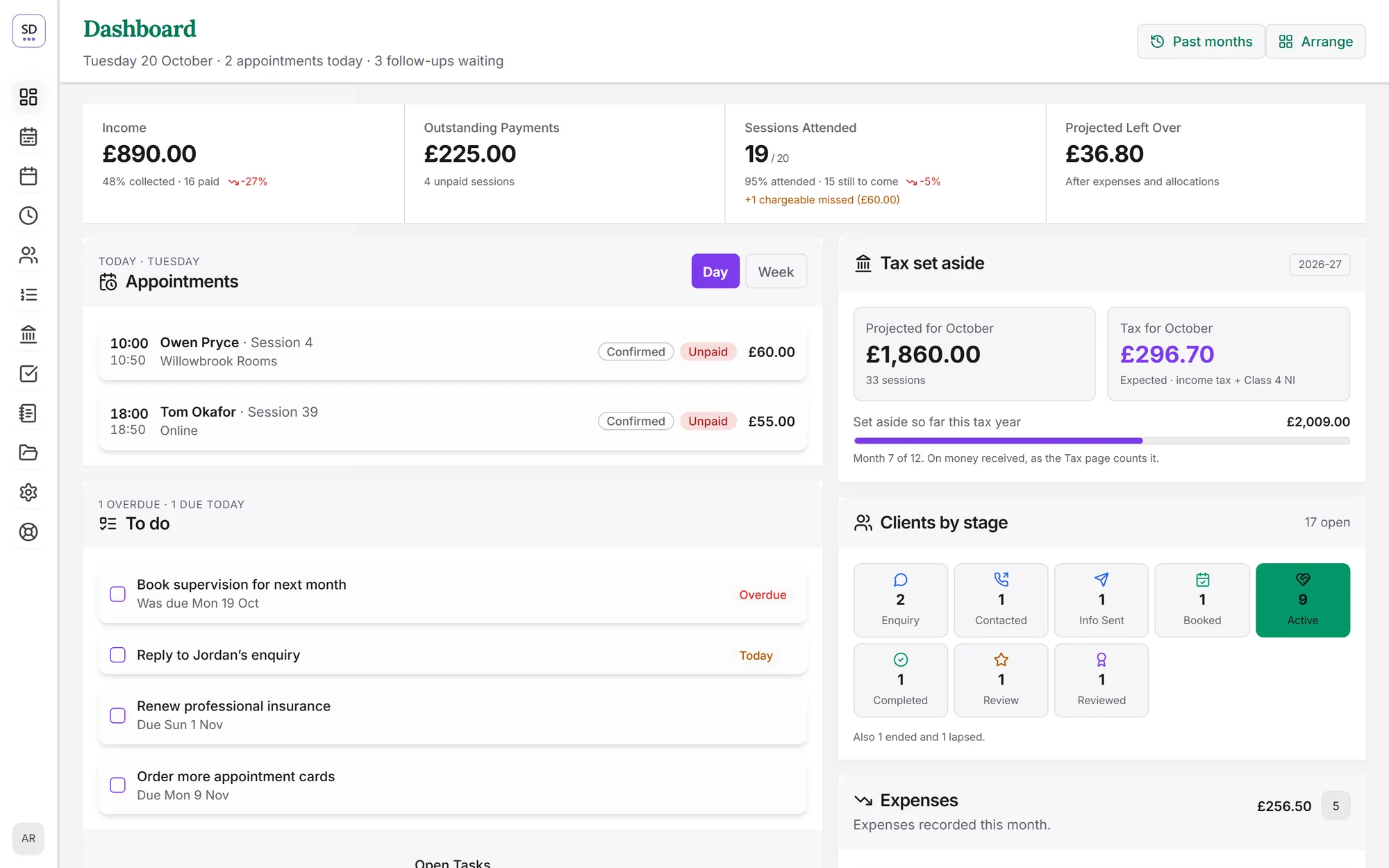
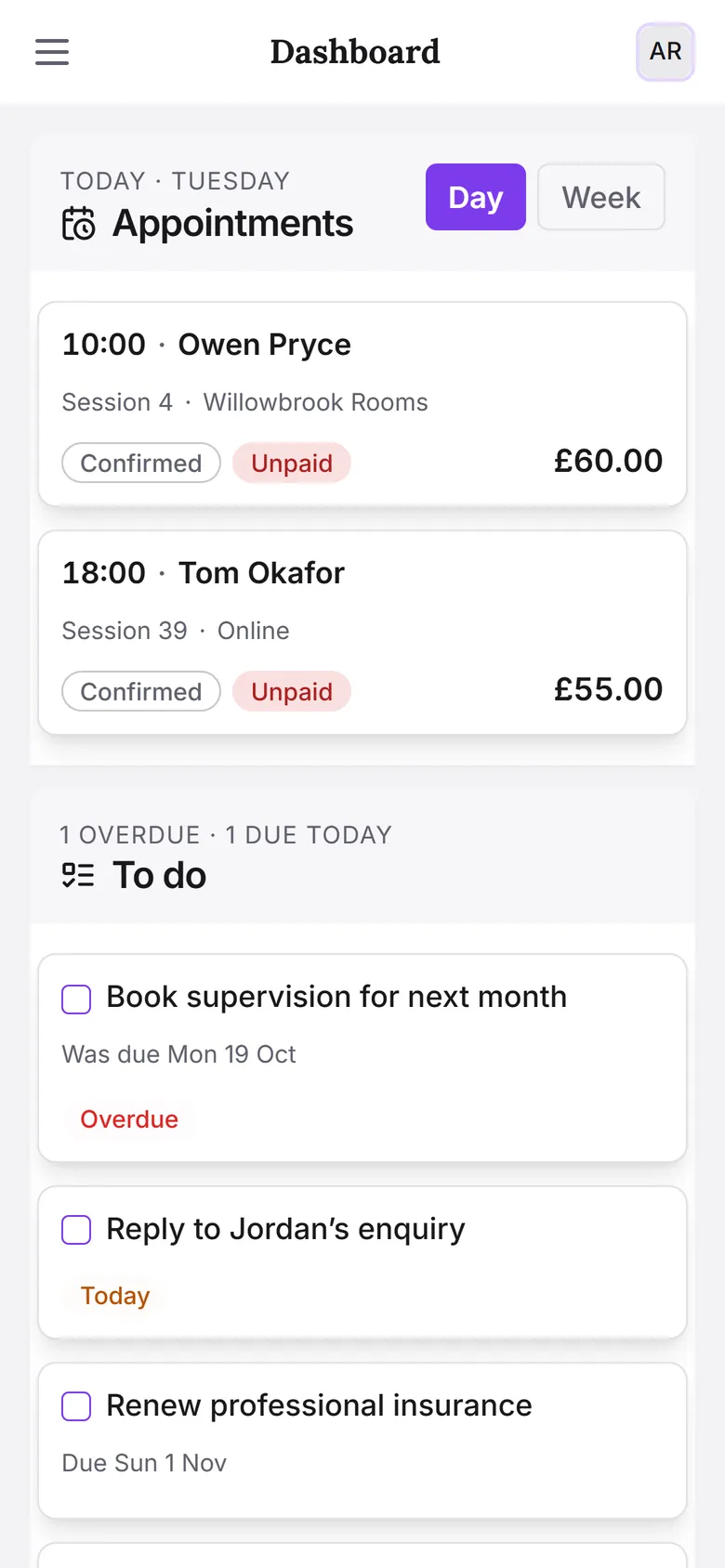
Demo practiceEvery client, session and figure in these pictures is invented.
Built for the reality of private practice
Six things it does, each of them something the app does today.
Your diary, in step with your calendar
Two-way sync with Microsoft 365 or Google Calendar. Sessions, consultations and follow-up calls you book in SyncDiary appear in your calendar, and changes made there come back.
More about the diaryClients from enquiry to ending
Track every client from first enquiry through booking, active work and a planned or unplanned ending, with reminders for follow-ups and review requests.
More about clientsSession notes, encrypted
Write notes against each session. They are encrypted before they are stored and never leave SyncDiary unencrypted except in an export you ask for.
More about session notesMoney and tax, worked out
Income, expenses and room rent by month, month-end statements, and a UK income tax and Class 4 National Insurance provision set aside as you go.
More about money and taxAvailability
Publish your available slots, offer them to clients, and book the one they pick.
More about availabilityComfortable to work in
Light or dark in one tap, and text you can make larger — set separately for desktop and phone.
Your Google and Microsoft data
When you connect a Google or Microsoft account, SyncDiary asks for access to your calendar (to sync your appointments and create a SyncDiary calendar for them), your contacts (to import your clients and keep them up to date) and your tasks (to show and update them in SyncDiary).
Never sold
Your client records and contacts are not sold or shared for anyone else's purposes.
No advertising
Your appointments are never used for advertising or profiling.
Never trains AI
Your notes and client data are never used to train AI models.
That data is used only to provide these features to you. You can disconnect an account at any time. The details are in our privacy policy.
What “encrypted” means here
Plainly, so you can judge it rather than take a badge’s word for it.
Session notes are encrypted at rest
AES-256-GCM, with a key generated for your account alone and held where only the server can reach it. Deleting a session deletes its note.
Hosted on Google Cloud
Everything is served over HTTPS. Your password goes straight from your browser to Google's Firebase Authentication, which keeps only a secure hash of it, so SyncDiary never sees it.
It is not zero-knowledge
The key lives on the server, not in your browser, so SyncDiary can read a note in order to show it to you. An export you ask for is plain text. We would rather say so than imply otherwise.
One simple price
Every feature, no tiers, no per-client charges.
or £250 a year. Cancel any time.
A year costs the same as ten months.
60 days, full access, no card needed to start.
Questions about pricing? See full pricing or ask us
Ready for a quieter practice admin?
Built in a UK private practice, for UK private practice. Try it for 60 days.